
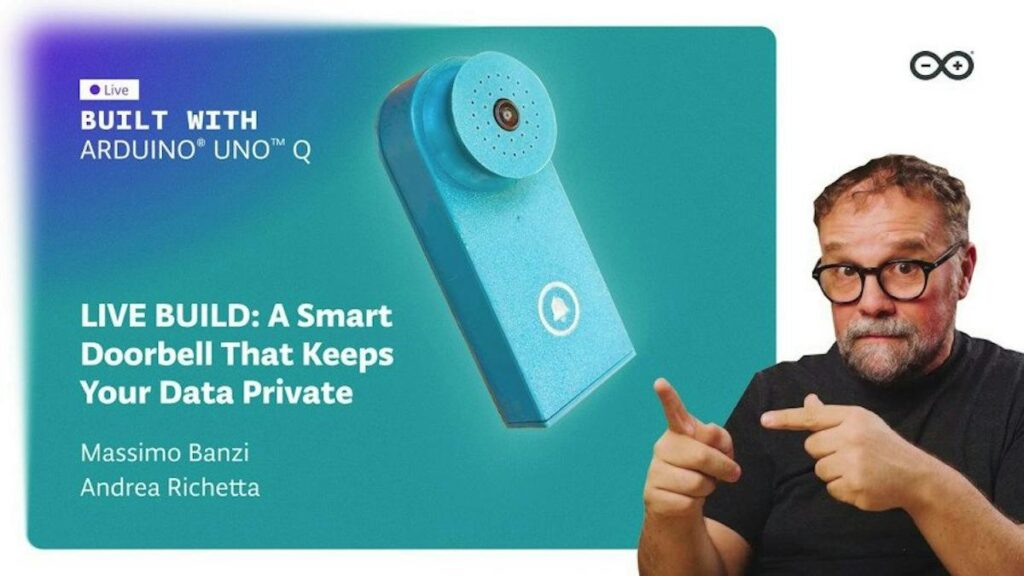
Every video doorbell you can buy off a shelf makes the same trade: it watches your front door, and a company you have never met keeps the footage. Arduino’s answer is a doorbell that does its recognition on the board itself, and the team is building one on camera so you can copy the wiring.
Massimo Banzi and Andrea Richetta stream the build on September 22 at 3pm CET (9am ET). The project pairs an Arduino UNO Q with a camera and runs a small computer vision model locally, so the board works out whether it is looking at a neighbour, a courier or a stray cat without a round trip to anyone’s server. Banzi first showed the design on the SuperModerno YouTube channel; the stream turns that demo into a step-by-step build.
The dual-brain board doing the work
The UNO Q breaks the UNO pattern. Instead of one microcontroller it carries two processors: a 2GHz quad-core Arm Cortex-A53 inside a Qualcomm Dragonwing QRB2210 running Linux, and an STMicroelectronics STM32U585 Cortex-M33 clocked to 160MHz handling the real-time work. The Linux half runs the vision model. The M33 handles the chime, the button debounce and anything that cannot wait on a scheduler. Arduino’s IDE passes messages between the two, which is the part worth watching on the stream, because splitting a project across two cores is the tricky bit, not the inference.
What you need to build one
- An UNO Q and a compatible camera module. Get frames landing reliably before you touch the model.
- A 5V supply with headroom. An A53 under inference load pulls far more current than an UNO R3 ever did, and a weak USB brick will brown it out mid-frame.
- A momentary switch on a GPIO pin with a pull-up resistor for the button, plus a small speaker or piezo buzzer for the chime.
- An enclosure, if the thing is going to sit outside through a rainy season.
Build it in stages if the whole thing looks steep: camera streaming first, then recognition on saved frames, then the doorbell hardware. Registration for the September 22 stream goes through Arduino’s YouTube notification, and the full write-up is at Hackster.
Frequently Asked Questions
What hardware runs the doorbell’s computer vision model?
The vision model runs on the UNO Q’s Linux side: a 2GHz quad-core Arm Cortex-A53 in a Qualcomm Dragonwing QRB2210. A separate STM32U585 Cortex-M33 at 160MHz handles the real-time jobs like the button and the chime, so inference never blocks them.
What parts do I need to build this myself?
An Arduino UNO Q, a compatible camera module, a 5V supply with current headroom, a momentary switch on a GPIO pin with a pull-up resistor, and a buzzer or small speaker. An outdoor enclosure if it leaves the workbench. Start with the camera alone before adding recognition.
What will I learn if I build this?
Splitting one project across a Linux processor and a microcontroller, and passing messages between them. You also get practice running a vision model on-device instead of calling a cloud API, plus the ordinary hardware skills: camera wiring, pull-up resistors, debouncing a switch and budgeting current for a board that draws real power.
