
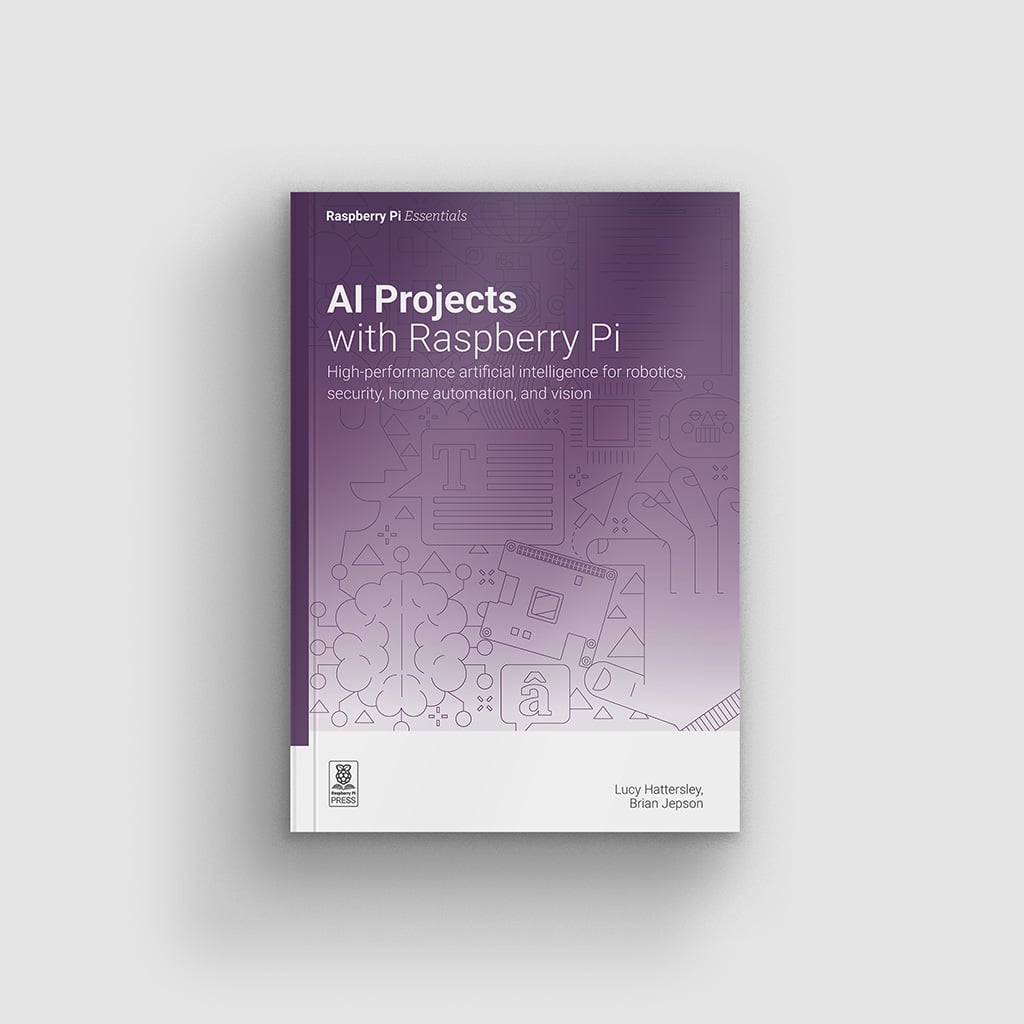
Can a computer that fits in your palm run its own AI, with no cloud account and no data leaving the room?
That question sits at the heart of AI Projects with Raspberry Pi, the new hands-on title from Raspberry Pi Press. Rather than piping your camera feed or voice to someone else’s server, every project keeps the work on the board itself: image and video recognition, speech-to-text and text-to-speech, language translation, locally hosted chatbots, and even Stable Diffusion image generation. There is a predictive-modelling chapter built on the regression workhorses behind most practical data science, and a section that walks through how models are actually trained on test and training data. For a school robotics club or an ECE capstone, that adds up to an AI demo you can run offline, with no monthly API bill and no student data slipping out to a third party.
How does a board this small run real models?
The book spreads its builds across the Raspberry Pi 4, 5, and Zero 2 W, plus the Pico microcontroller, and leans on the Raspberry Pi AI Camera and the AI HAT+ 2 accelerator to carry the heavy math. One walkthrough retrains MobileNet to recognise hand gestures. Another trains a model on a full Pi, then deploys it to a Pico over the 40-pin GPIO header so the microcontroller does real-time inference on live sensor data. There is even a chapter that runs genuine large language models locally, so you can inspect the parameters, sizes, and weights instead of treating the chatbot as a black box. Everything runs on standard Raspberry Pi OS, so there is no exotic toolchain to fight. Wire your sensor to a 3.3V GPIO pin, enable I2C in raspi-config, and the same Python you already know handles the rest.
Start with hardware you already own. Flash the latest Raspberry Pi OS onto a Pi 4 or 5, try the gesture-recognition project first, then scale up to an AI HAT+ 2 once you want faster local inference. Full book details and sample pages are on the Raspberry Pi news post. If your camera preview comes up blank, reseat the ribbon cable and confirm the camera is enabled before you blame the code.
Frequently Asked Questions
Which Raspberry Pi boards do the projects use?
Builds run across the Raspberry Pi 4, 5, and Zero 2 W, plus the Pico microcontroller. The heavier AI projects use the Raspberry Pi AI Camera and the AI HAT+ 2 accelerator, all on standard Raspberry Pi OS.
Do I need an internet connection to run the AI projects?
No. The whole point is edge AI. Models like MobileNet and local LLMs run directly on the board, so recognition, transcription, and chatbot replies happen offline with no cloud API and no data leaving your device.
What will I learn if I build these projects?
You will practise flashing Raspberry Pi OS, wiring sensors to GPIO, retraining a MobileNet model for hand gestures, and deploying a trained model to a Pico for real-time inference. Those are the exact machine-learning and physical-computing skills that carry into a robotics club or thesis project.
