
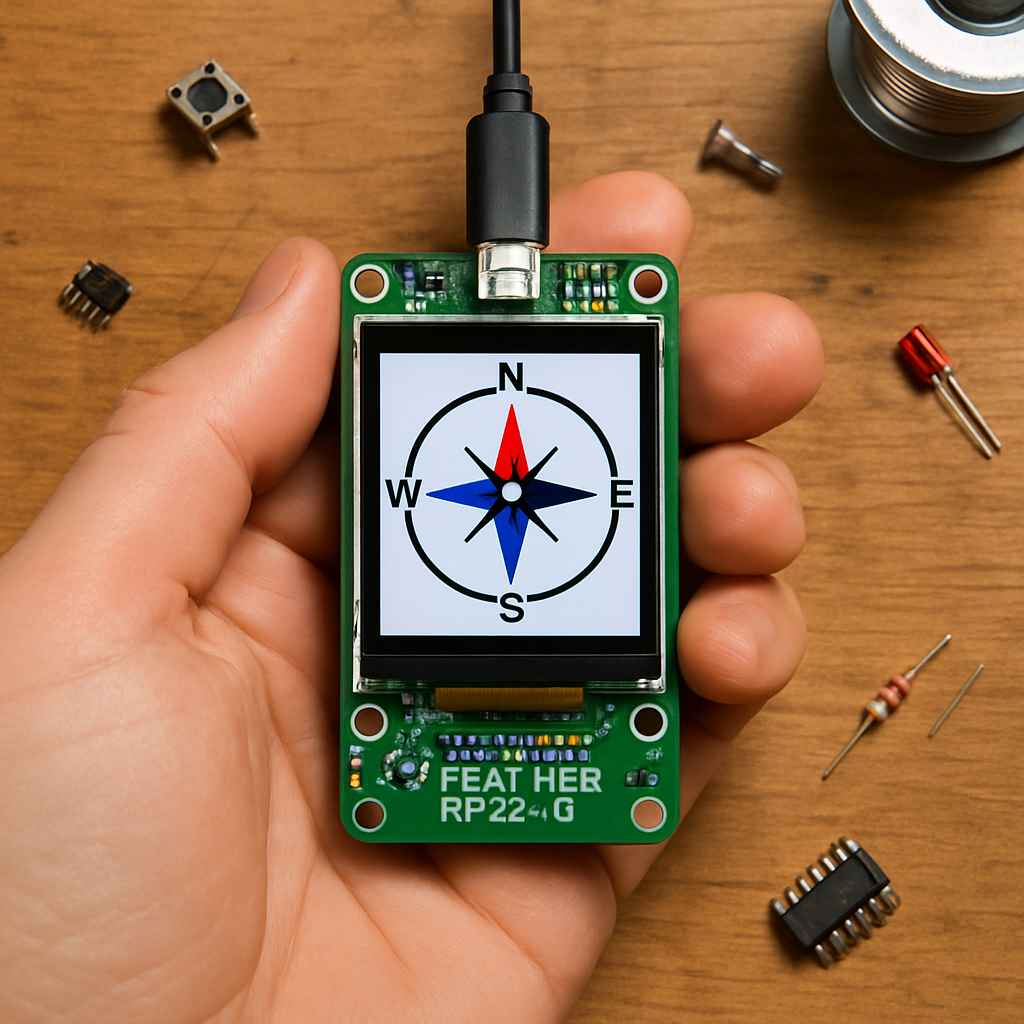
Your phone already knows where you are, so why build a compass? Because a navigation device you wired and coded yourself teaches you more about GPS, sensor fusion, and embedded displays than any app ever will, and it keeps working when the cell signal does not. That is the appeal behind the handheld GPS compass the Adafruit crew showed off this week, and it is surprisingly approachable for a weekend maker.
What the build does
The project is a pocket-sized navigator that reads your real-world heading and position, then draws a live compass rose on a color screen. Point it in any direction and the needle swings to match, while satellite data underneath fixes your latitude and longitude. It is the kind of self-contained gadget you could drop in a backpack for a hike, a geocaching run, or just to finally understand how the magnetometer buried in your phone actually figures out which way is north.
How it works under the hood
The brain is the Feather RP2350 with 8MB of PSRAM, which has plenty of headroom for redrawing graphics smoothly. A 9-DoF IMU that combines an accelerometer, gyroscope, and magnetometer supplies the heading, and because the accelerometer corrects for tilt, the compass stays accurate even when you are not holding it perfectly flat. A dedicated GPS module streams position data over a serial connection, and everything renders on a 3.5-inch TFT FeatherWing that stacks straight onto the Feather, so there is no breadboard wiring marathon to slog through first.
Build it yourself
If you want to recreate it, the core parts list is short and stackable:
- Adafruit Feather RP2350 (8MB PSRAM) as the controller
- 3.5″ TFT FeatherWing V2 for the compass display
- LSM6DSOX + LIS3MDL 9-DoF IMU for tilt-compensated heading
- PA1010D GPS module for position data
From there it is mostly CircuitPython: read the magnetometer, apply a quick calibration so local magnetic interference does not throw off the needle, blend in the accelerometer for tilt, and parse the incoming GPS sentences. Get those four sensors talking to each other and you have a navigator that is entirely yours, hackable down to the last line of code and ready for whatever feature you dream up next.
Frequently Asked Questions
What gives the GPS compass its heading?
A 9-DoF IMU does the work: its magnetometer senses magnetic north while the accelerometer corrects for tilt, so the needle stays accurate even when the device is not held perfectly level. The GPS module adds latitude and longitude on top.
What parts do I need to build one?
The core list is an Adafruit Feather RP2350 with 8MB PSRAM, a 3.5-inch TFT FeatherWing V2 for the display, an LSM6DSOX + LIS3MDL 9-DoF IMU, and a PA1010D GPS module. The FeatherWing and sensors stack onto the Feather, keeping the wiring minimal.
What will I learn if I build this?
You’ll pick up sensor fusion (blending magnetometer and accelerometer data for a tilt-compensated heading), magnetometer calibration, parsing GPS serial data in CircuitPython, and driving a color TFT to render real-time graphics, skills that carry straight over to drones, robots, and other navigation projects.
