
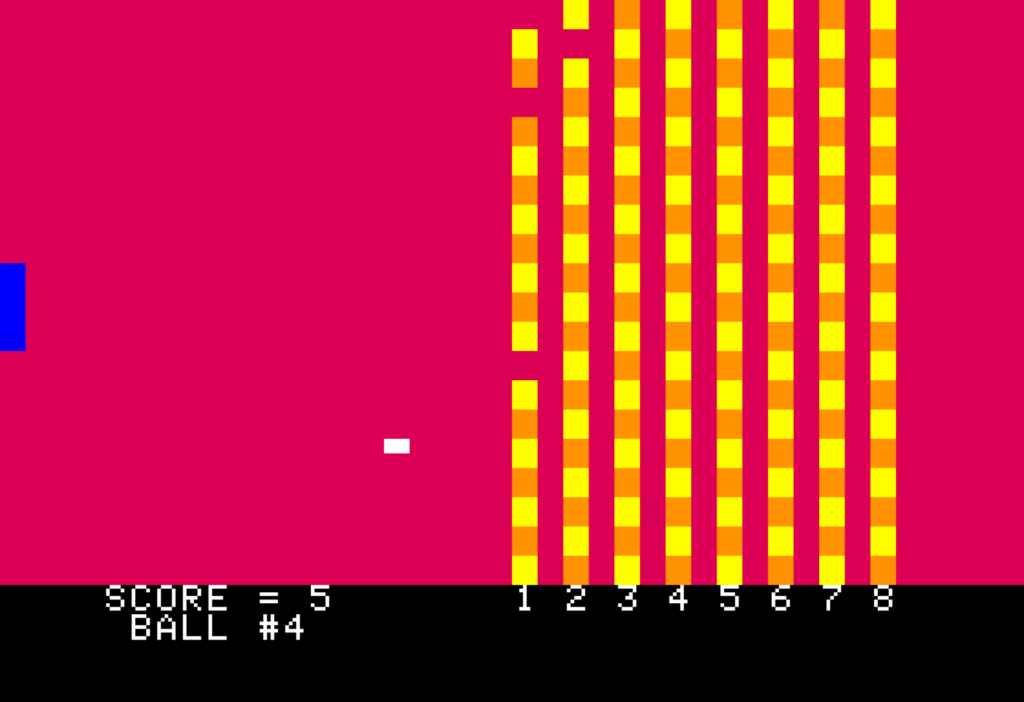
Can a Raspberry Pi pretend to be a 1977 Apple II? Yes, and the compile takes a few minutes rather than a weekend. Raspberry Pi’s Maker Monday walkthrough, adapted from The Raspberry Pi Guide to Retro Gaming, uses the LinApple emulator to do it. Read the original tutorial for the full steps.
Why would anyone emulate an Apple II?
The Apple II was one of the 1977 “trinity” of home computers alongside the Commodore PET and TRS-80. Steve Wozniak designed it with games in mind, borrowing ideas from his Breakout work at Atari, so it shipped with colour graphics, paddle input, and simple audio. Its Integer BASIC skipped floating-point maths, which made number crunching fast and suited game loops. For a student, that is a small, readable machine to study: a 1 MHz-class 6502 CPU, a few kilobytes of RAM, and nothing hidden.
How does the Pi run it?
LinApple is a Linux fork of the AppleWin emulator, and it is not in the Raspberry Pi OS apt repository, so you build it yourself. Install the dependencies with sudo apt -y install git g++ cmake libzip-dev libsdl3-dev libsdl3-image-dev libcurl4-openssl-dev zlib1g-dev imagemagick, clone the linapple repository from GitHub, then run cmake and make. The emulator also models add-on sound cards such as the Mockingboard, and that option is enabled by default in its config file, which matters because stock Apple II audio was a CPU-hungry beeper.
A gotcha to watch: the guide targets SDL3, so an older Raspberry Pi OS image may not offer those library packages. Run sudo apt full-upgrade first, and if a package is missing, check your OS release before editing the build files.
Try it this weekend
Flash a fresh card, build LinApple, and load a disk image of Integer BASIC or a paddle game. Then write a ten-line BASIC loop that draws colour bars; it is a quick way to see how little code a 1970s graphics mode needed. Any Pi with an HDMI port and a 5 V supply works, and you can find Raspberry Pi boards and microSD cards at circuit.rocks. Check the LinApple repository on GitHub for disk image formats it supports.
Frequently Asked Questions
Which emulator does the tutorial use for the Apple II?
LinApple, a Linux fork of AppleWin. It is not in the Raspberry Pi OS apt repository, so you compile it with git, g++, cmake and SDL3 development libraries.
Do I need special hardware or skills?
Any Raspberry Pi running Raspberry Pi OS with HDMI output, a keyboard and a microSD card works. You only need to paste terminal commands and wait for the compile.
What will I learn if I build this?
You practice compiling software from source, managing Linux dependencies, and reading 8-bit BASIC, which gives ECE students a clear view of how early CPUs, memory and graphics fit together.
