
MicroPython Now Requires AI Disclosure on Every Pull Request
Let’s be real—AI coding assistants are everywhere right now. But open-source communities are starting to set some ground rules, and if you’re a student or maker contributing to firmware projects, this news directly impacts you.
The team behind MicroPython just announced that contributors must now explicitly disclose if AI tools were used when submitting pull requests. To be clear: they aren’t banning AI. They just want transparency.
Wait, What Is MicroPython Again?
It’s exactly what it sounds like: a lean, mean implementation of Python specifically designed to run on microcontrollers like the ESP32, RP2040, and STM32.
If you’ve ever built a robotics project, wired up an IoT sensor, or followed a DIY electronics tutorial, you’ve probably crossed paths with it. For a lot of students, it’s the ultimate bridge between writing standard software and diving into raw hardware engineering.
- You can write Python code directly on tiny, inexpensive hardware.
- It makes prototyping insanely fast compared to wrestling with C/C++.
- It’s highly approachable for beginners, yet powerful enough for real-world embedded applications.
So, What Exactly Changed?
MicroPython’s new policy is straightforward: if you use AI tools to generate or assist with the code you’re submitting in a pull request (PR), you have to say so.
In plain English:
- Did ChatGPT or Copilot write a chunk of your patch? Disclose it.
- Did an AI help you draft the documentation or code examples? Disclose it.
- Did you use AI to refactor or optimize an existing function? Yep, disclose that too.
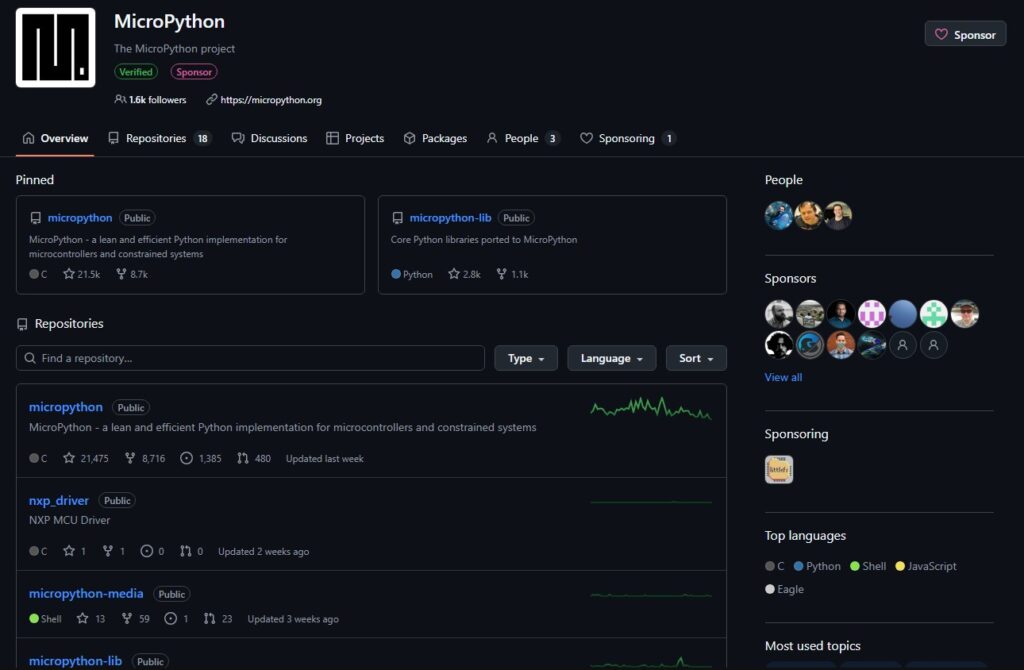
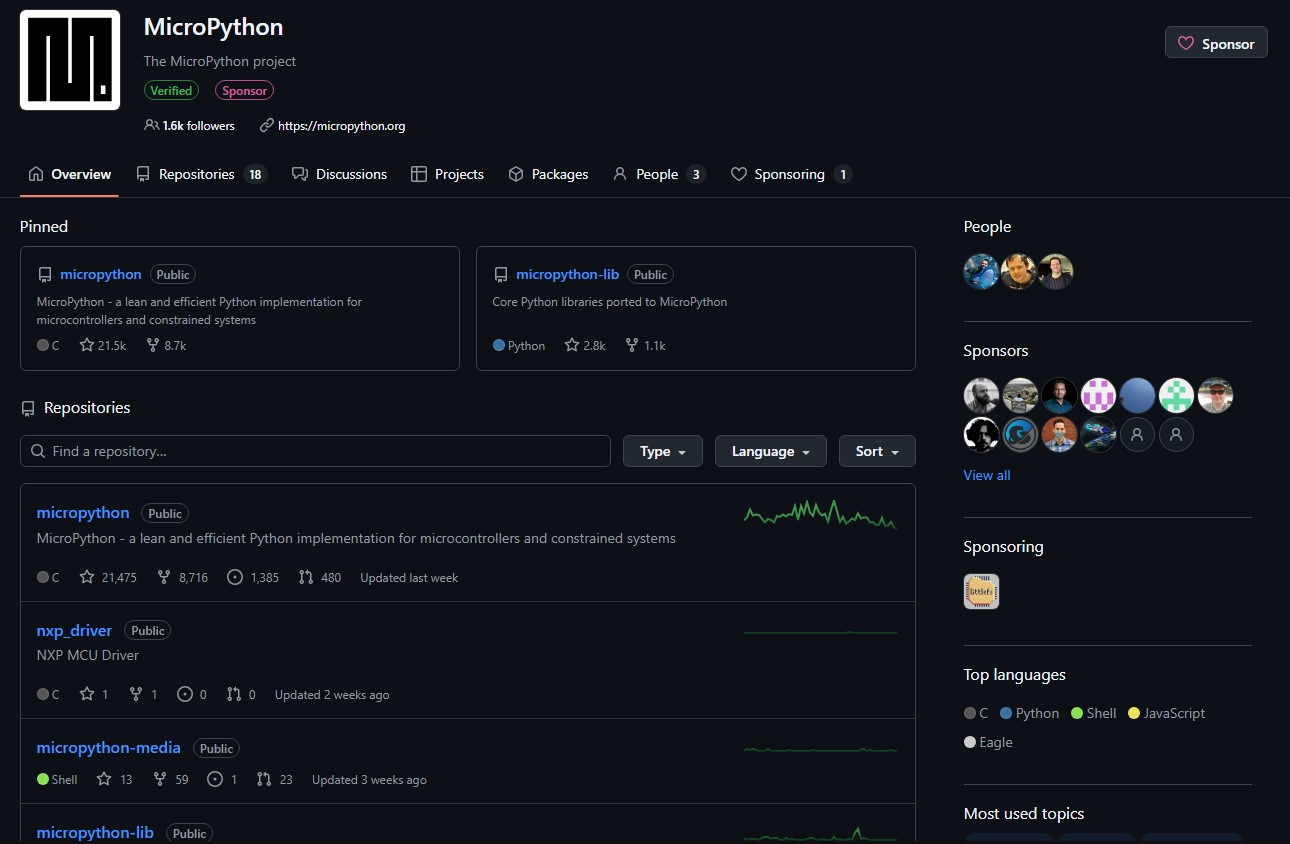
MicroPython GitHub repository: https://github.com/micropython/micropython
Why AI Disclosure Actually Matters
Open-source projects survive on trust and rigorous peer review. Maintainers aren’t asking for this to be annoying; they need to know how the code was produced so they can review it effectively.
AI-generated code brings a unique set of headaches to the table:
- Licensing gray areas: Sometimes AI spits out code that looks suspiciously similar to copyrighted training data.
- The “Looks Right” trap: AI is notoriously good at writing code that looks flawless but completely breaks under weird edge cases.
- Style clashes: It might not match the strict coding standards of the project.
- Review fatigue: Maintainers already work incredibly hard. Reviewing a massive, AI-generated PR without knowing its origin is an unfair burden.
Again, this doesn’t mean your AI-assisted code gets automatically rejected. It just means you need to be honest about your workflow.
What This Means for Students & Beginners
Look, using AI while you’re learning isn’t a bad thing. Tons of professional developers use AI to explain confusing APIs, draft boilerplate code, or brainstorm logic.
But when you contribute to an open-source project, the training wheels come off. Your responsibility levels up:
- Understand exactly what your code is doing line-by-line.
- Test it on actual hardware, not just in your head.
- Own the results (if it breaks, it’s on you, not the AI).
- Disclose the tools you used to get there.
Building this habit now is huge. Great engineering is about accountability, not just making the compiler happy.
Is MicroPython Being “Anti-AI”?
Not at all. This is an AI transparency requirement, not an AI ban.
The whole open-source world is currently trying to figure out how to handle generative AI responsibly. MicroPython is actually taking a very balanced approach. In embedded systems—where stability is everything and hardware resources are incredibly tight—maintainers simply need to know that code was thoughtfully reviewed, not just copy-pasted from a chatbot.
If you’re building projects with MicroPython for school, a robotics competition, or just for fun in your bedroom: keep building, keep experimenting, and keep using the tools that help you learn faster.
But remember that AI is your assistant, not your replacement. MicroPython’s new rule is a great lesson in open-source maturity. Take ownership of your code, be transparent with your community, and you’ll be a better developer for it.
References
Frequently Asked Questions
What did the MicroPython team announce?
Contributors must now explicitly disclose if AI tools were used when submitting pull requests. AI use is not banned, only required to be transparent.
What kinds of AI use need disclosure?
Anything: AI-generated code chunks, AI-drafted docs or examples, even AI-assisted refactoring or optimization of existing functions.
Why does AI disclosure matter for open source?
Reviewers need context to assess code properly. AI output can have licensing gray areas, look right while breaking on edge cases, clash with project style, or burden maintainers if reviewed without knowing the origin.
What is MicroPython?
A lean implementation of Python designed to run on microcontrollers like the ESP32, RP2040, and STM32. Popular for IoT, robotics, and student projects because it bridges Python ergonomics with raw hardware control.
