
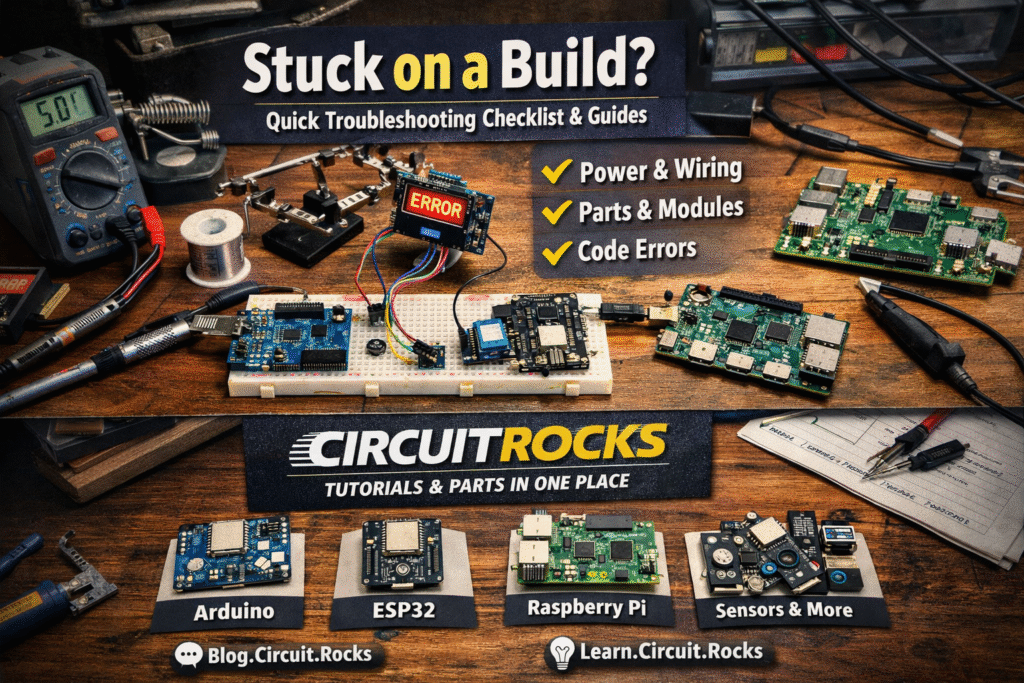
If you’ve ever stared at your wiring and thought, “Okay, what did I miss?” — you’re not alone.
That’s exactly why we’re building a more organized place for guides and troubleshooting on our site, and why we secured forum.circuit.rocks.
Think of it as a “help corner” for makers: quick checklists, common mistakes, and straight-to-the-point explanations.
Not super technical, not intimidating — just helpful.
What “circuit help” means for us
For Circuitrocks, it’s not just “fix it” advice. It’s the kind of help that makes you say, “Ahhh kaya pala!”
So next time you build, you’ll troubleshoot faster (or avoid the mistake entirely).
- Wiring sanity checks (power, ground, wrong pin, loose jumper)
- Module reality checks (pinout differences, voltage levels, I2C/SPI confusion)
- Code vs hardware (upload issues, library issues, wrong board/port)
- Practical tips based on actual builds and common customer questions
Quick checklist when something “doesn’t work”
If you’re stuck right now, try this quick flow before changing everything:
- Power: Tama ba voltage? (5V vs 3.3V) Stable ba supply? Common ground ba lahat?
- Connections: Double-check pin labels (D vs GPIO), orientation, and loose jumpers.
- Parts: Correct module ba? Baka “same-same” pero ibang version/pinout.
- Code: Correct board selected? Correct library? May error message ba sa Serial Monitor?
Where to get help (and where to start reading)
We’ll be posting more “help-style” articles and step-by-step tutorials on our Learning Hub at learn.circuit.rocks.
Here are a few good starting points:
- Dual-Core Programming Setup on ESP32
- Touchscreen Drawing Demo (ILI9341)
- 3D DIY Soundbox Arduino Project Idea
Need parts for your build?
If you’re missing something (or you’re not sure what to buy), here are quick links to common categories:
How you can help us help you (fast)
If you’re asking for troubleshooting, these details make a huge difference:
- Clear photo of the wiring (wide shot + close-up)
- Exact board/module model (ex: ESP32-WROOM, NodeMCU V2, Arduino Uno R3)
- Power source (USB? adapter? battery?)
- Error message (copy/paste) + what you expected to happen
Frequently Asked Questions
What is the Circuit Help Hub?
A dedicated help corner for makers — checklists, common mistakes, and straight-to-the-point fixes for Arduino, ESP32, and Raspberry Pi projects. Lives at forum.circuit.rocks and the learn.circuit.rocks Learning Hub.
What’s the quick checklist when something doesn’t work?
Power: right voltage (5V vs 3.3V), stable supply, common ground? Connections: correct pin labels, orientation, no loose jumpers? Parts: correct module and version? Code: right board selected, right library, any error in the Serial Monitor?
What kind of help do you offer?
Wiring sanity checks (power, ground, wrong pin, loose jumpers), module reality checks (pinout differences, voltage levels, I2C and SPI confusion), code-vs-hardware troubleshooting, and tips based on real customer questions.
How can I help you help me faster?
Send a clear photo of the wiring (wide and close-up), the exact board and module model, your power source (USB, adapter, battery), and the exact error message plus what you expected to happen.
