
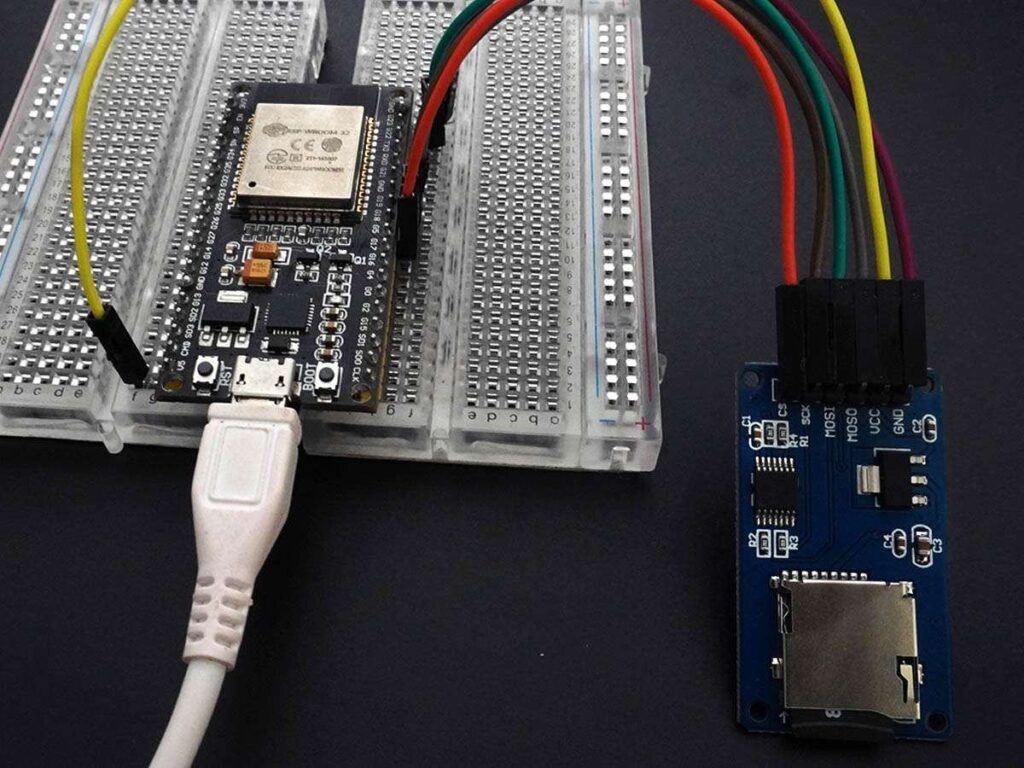
The ESP32 is one of the most adaptable microcontrollers for embedded applications, robotics, automation, and the Internet of Things. It features a dual-core architecture, enabling you to divide tasks between two cores for increased performance and efficiency, unlike many microcontrollers that only have a single CPU.
In this article from Circuit Rock, we will explore how to set up dual-core programming in ESP32, why it matters, and how you can optimize your projects with multi-core programming.
ESP32 Dual-Core Architecture – Understanding
Let’s understand the two cores of ESP32
- Core 0 PRO CPU – it is used for handling background tasks such as Wi-Fi, Bluetooth, and System functions.
- Core 1 APP CPU – it is usually dedicated to running your application code.
There are different operating system where it work, like in FreeRTOS operating system integrated into the ESP32, you can pin specific tasks to specific cores to make the most out of your microcontroller.
Why ESP32 is so special?
- Dual-Core
- 600 DMIPS performance
- Wi-Fi and Bluetooth
- Low Power Consumption
- Multiple Sleep Modes
- GPIO Pins for sensors
Its dual-core features allow developers to assign different tasks to different cores. For example, while one core processes sensor data, the other can manage a Wi-Fi connection.
Using Dual-Core Programming in ESP32
Some of the key benefits of using Dual-Core ESP32
- You can run two different tasks at the same time with parallel processing, reducing delays
- Improve efficiency by offloading heavy computations to one core while other managers communicate.
- With the real-time performance, it assigns time-critical operations within time, such as sensor readings, to a dedicated core
- Prevents blocking operation and provides better response
- Good for home projects and IoT projects.
Setting the Dual Core Programming you will need:
| Hardwar Requirements | Software Requirements |
| ESP32 Development Board | Arduino IDE or PlatformIO |
| USB Cable for programming | ESP32 Board Support Package |
| Basic sensors or peripherals | Basic knowledge of FreeRTOS and Arduino Functions |
Some of the Steps to set up dual-core programming
1.Very first step install ESP32 in the Arduino IDE
2. Select Your Board
3. Write a Dual-Core Program
4. Upload and test
The Best Methods for Programming with Dual Cores
- Use FreeRTOS Tasks Sensibly: Avoid packing too many complex calculations into one core.
- Utilize semaphores or mutexes to access shared resources to prevent global variable conflicts.
- Assign data processing to one core and communication to another to maintain task independence.
- Keep an eye on stack size; each process requires a sufficient amount of RAM; if a task crashes, raise it.
- Always confirm which core is carrying out which task when debugging with the Serial Monitor.
Applications of Dual-Core ESP32 Programming in Real Life
IoT Devices: Core 0 handles Wi-Fi/Bluetooth, Core 1 processes sensor data.
Robotics: One core has the ability to control motor movement, and another may process the sensor feedback.
Home Projects: Core 0 runs on communication protocols, while the other core manages device logic.
Smart Wearables: Dual-core processing ensures performance without delays.
Mistakes to Avoid
- Give a load to one core by mistake by running all tasks
- Accessing shared data and forgetting to use synchronization
- Not using loops, which cause watchdog resets
- While running too many tasks, it can overload the ESP32
FAQs
- What are the default cores of ESP32?
The default core is and usually handles system tasks like Wi-Fi and Bluetooth
- What is the speed of the ESP32 core?
ESP32 can run at up to a speed of 240 MHz, providing powerful processing for embedded projects.
- Do these dual-core shares the same memory?
They share the same SRAM and flash memory, but tasks should be carefully managed to avoid conflicts.
- Can this dual-core programming be used for small projects?
Not necessary, you can use a single core for programming because a dual core is best for multitasking projects.
- What I do, my ESP32 keeps resetting during dual-core tasks?
This usually happens due to insufficient stack memory for a smooth run. You can increase the task stack size.
Frequently Asked Questions
What does the ESP32 dual-core architecture give you?
Two Xtensa cores. Core 0 (PRO CPU) typically handles Wi-Fi, Bluetooth, and system tasks. Core 1 (APP CPU) is dedicated to your application code. You can pin tasks to specific cores using FreeRTOS for true parallel execution.
Why use dual-core programming?
Run sensor reads on one core while Wi-Fi or BLE communication runs on the other, without blocking. Better real-time response, smoother LED animations, and more reliable long-running IoT tasks.
What do I need to set this up?
An ESP32 dev board, a USB cable, the Arduino IDE or PlatformIO with the ESP32 board support package installed, and basic familiarity with FreeRTOS task functions.
Best practices for dual-core code?
Use FreeRTOS tasks deliberately, protect shared variables with semaphores or mutexes, watch your stack size per task, and confirm via Serial which core is running which task during debugging.
{“@context”: “https://schema.org”, “@type”: “FAQPage”, “mainEntity”: [{“@type”: “Question”, “name”: “What does the ESP32 dual-core architecture give you?”, “acceptedAnswer”: {“@type”: “Answer”, “text”: “Two Xtensa cores. Core 0 (PRO CPU) typically handles Wi-Fi, Bluetooth, and system tasks. Core 1 (APP CPU) is dedicated to your application code. You can pin tasks to specific cores using FreeRTOS for true parallel execution.”}}, {“@type”: “Question”, “name”: “Why use dual-core programming?”, “acceptedAnswer”: {“@type”: “Answer”, “text”: “Run sensor reads on one core while Wi-Fi or BLE communication runs on the other, without blocking. Better real-time response, smoother LED animations, and more reliable long-running IoT tasks.”}}, {“@type”: “Question”, “name”: “What do I need to set this up?”, “acceptedAnswer”: {“@type”: “Answer”, “text”: “An ESP32 dev board, a USB cable, the Arduino IDE or PlatformIO with the ESP32 board support package installed, and basic familiarity with FreeRTOS task functions.”}}, {“@type”: “Question”, “name”: “Best practices for dual-core code?”, “acceptedAnswer”: {“@type”: “Answer”, “text”: “Use FreeRTOS tasks deliberately, protect shared variables with semaphores or mutexes, watch your stack size per task, and confirm via Serial which core is running which task during debugging.”}}]}
