
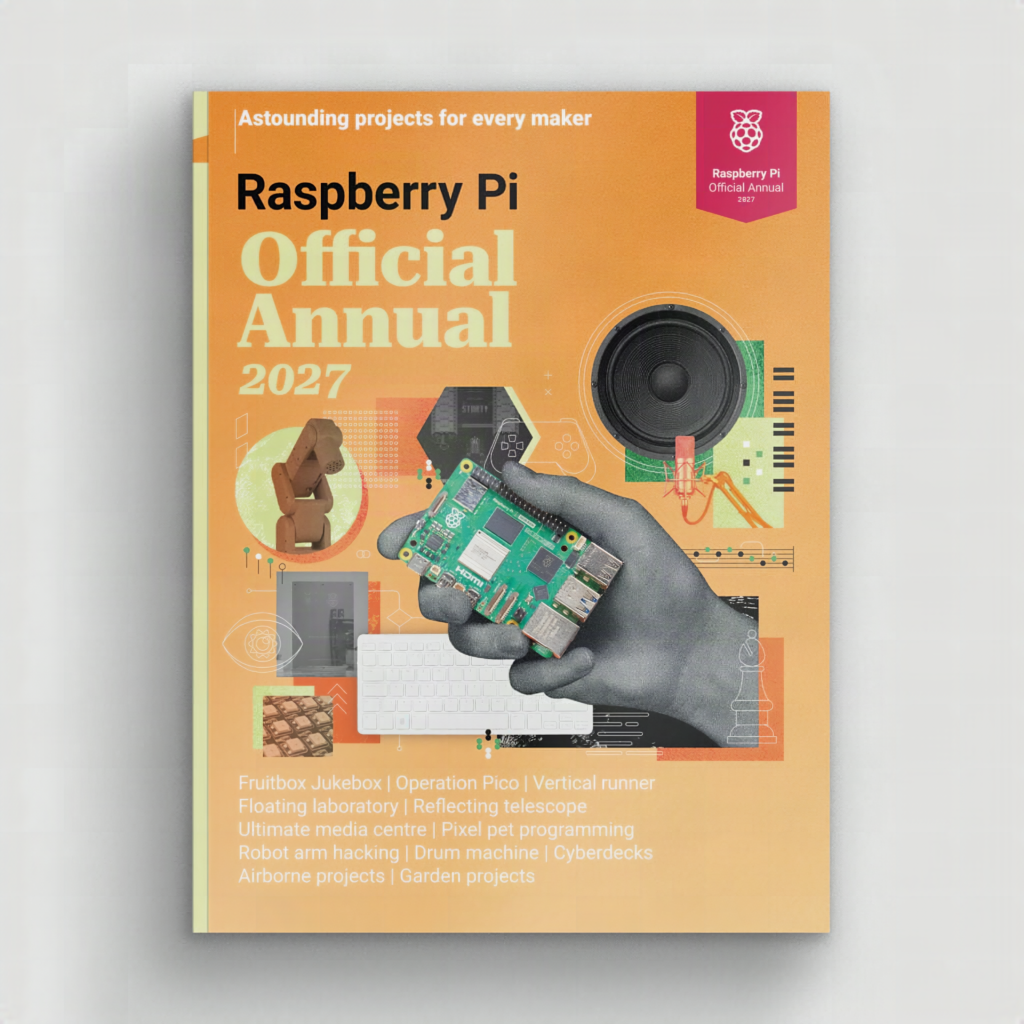
Got a free Saturday and a Raspberry Pi gathering dust in a drawer? The new Raspberry Pi Official Annual 2027 is basically a year of weekend builds bound into one book, and it landed this week.
What’s inside the annual
The book collects the best projects, tutorials, and reviews from the first full year of Raspberry Pi Official Magazine (the renamed MagPi). The editors picked builds that range from a first-time media centre to a full home automation setup, plus a programmable digital pet and a hacked robot arm. The getting-started and troubleshooting chapters were rewritten for the latest Raspberry Pi OS, including the new Control Centre app that puts most system settings in one window. There’s also a deep section on the Raspberry Pi 500+, the keyboard computer with a quad-core 2.4GHz Arm Cortex-A76 chip, 16GB of RAM, and a built-in NVMe SSD, with a walkthrough on upgrading that internal storage.
Parts and cost reality
The cover price is £14 in shops, and the Raspberry Pi online store has an introductory price of £7 for a limited time. That’s roughly PHP 550 at the promo price before shipping. For the builds themselves, most of the beginner projects run fine on a Pi 4 or Pi 5 with a 5V USB-C supply (27W for the Pi 5), a microSD card, and a breadboard kit. The home automation chapters lean on GPIO pins and I2C sensors, so have jumper wires and a few 10k pull-up resistors ready. One gotcha for students: the robot arm and smart-home guides assume you’re comfortable installing Python libraries from the terminal, so do a quick pip and virtual environment refresher first if your last Pi project was on an older OS.
For thesis groups and school robotics clubs, the annual works as a menu. Pick one build, split the wiring, code, and write-up across the team, and you have a scoped weekend sprint instead of a vague idea.
Spend your Sunday on this
Start with the home automation tutorial: wire one temperature sensor to SDA and SCL (GPIO 2 and GPIO 3), read it in Python, then push the reading to a dashboard. If that works by Sunday night, move to the robot arm chapter next weekend. Order details and the promo price are on the Raspberry Pi news post, and you can grab the boards and sensors locally at circuit.rocks.
Frequently Asked Questions
What is the Raspberry Pi Official Annual 2027?
It’s a book that collects a year of projects, tutorials, and reviews from Raspberry Pi Official Magazine, with getting-started and troubleshooting chapters updated for the current Raspberry Pi OS and its Control Centre settings app.
Which Raspberry Pi do I need for the projects in the annual?
Most beginner builds run on a Pi 4 or Pi 5 with a microSD card and proper USB-C power supply. The home automation and robot arm guides also need GPIO wiring, sensors, and jumper wires, and there’s a dedicated section on the Pi 500+ keyboard computer.
What will I learn if I work through these builds?
You’ll practice Linux setup and troubleshooting, Python scripting, GPIO and I2C sensor wiring, and connecting devices to a home automation dashboard. Those are the same skills ECE thesis and robotics projects rely on, so it’s good prep for capstone work.
