
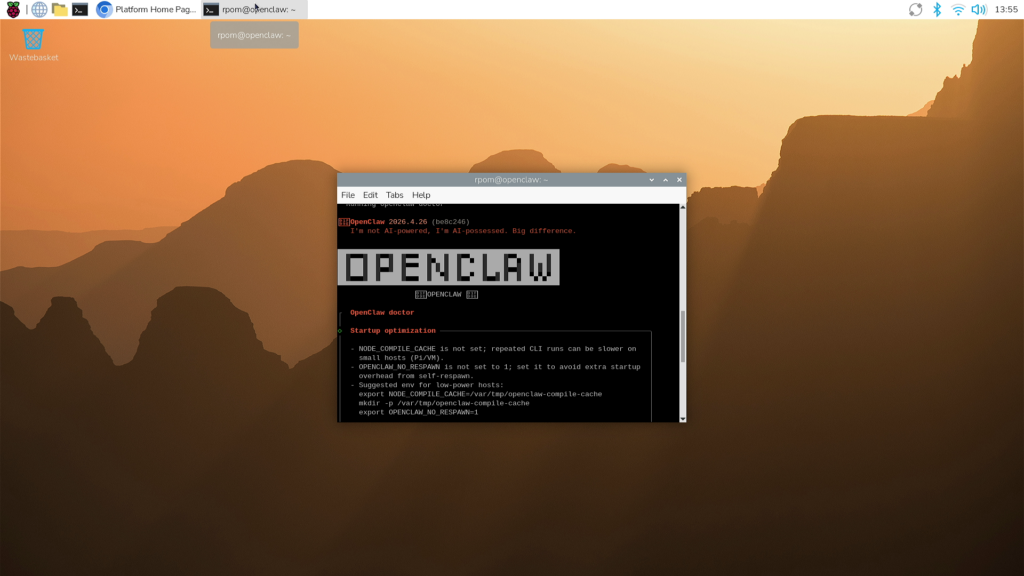
Your Raspberry Pi already blinks LEDs and reads sensors on command. OpenClaw asks a bolder question: what if the board could decide what to do on its own? OpenClaw is agentic software that hands a large language model the keys to a real machine, and a Pi turns out to be one of the safest places to let it drive.
What OpenClaw actually does
OpenClaw is a digital agent that connects an LLM to your hardware and files, then acts with a degree of autonomy. Instead of answering a single prompt like a chatbot, it takes a broad goal and works through the multi-step path to reach it, adapting as results come back. Give it “turn the Philips Hue lights on at sunset and off at midnight” and it figures out the schedule, the API calls, and the timing without you writing a line of code.
The reason to run it on a Raspberry Pi instead of your main laptop is containment. The Pi is a separate box with its own operating system, so an agent that can read files, browse the web, and send messages is fenced into hardware you fully control. If an experiment goes sideways, you reflash the SD card and start clean.
The hardware side
Agentic models are memory-hungry, so a Raspberry Pi 5 with 16GB of RAM gives the local tooling and browser sessions room to breathe. The real payoff for makers is the 40-pin GPIO header: because the agent can reach those pins, it can read a button, flip a relay, or drive a servo as part of a task. That bridges the gap between a chat window and the physical world, a motor spinning at 5V because the model decided it should.
Build it yourself
You will need a Raspberry Pi (a 4GB board runs lighter workloads, 16GB is comfier for heavier agents), a fresh install of Raspberry Pi OS, and an API key for whichever model you point OpenClaw at. Flash the card, install the OpenClaw runtime, grant permissions one capability at a time, and start with a low-stakes GPIO task before you let it near your calendar. Full setup notes are on the Raspberry Pi blog: raspberrypi.com. For a classroom, it doubles as a hands-on lesson in how AI agents reason, plan, and touch real hardware.
Frequently Asked Questions
Why run OpenClaw on a Raspberry Pi instead of a laptop?
The Pi is an isolated machine with its own OS, so an autonomous agent that can edit files and browse the web stays fenced into hardware you fully control. If something breaks, you reflash the SD card and start over.
How much RAM does an OpenClaw setup need?
A 4GB Pi handles lighter tasks, but agentic tooling and browser sessions are memory-hungry, so a Raspberry Pi 5 with 16GB of RAM is the comfortable choice for heavier workloads. You also need an API key for the model you connect.
What will I learn if I build this?
You will practice flashing Raspberry Pi OS, managing permissions safely, and wiring GPIO pins to real components like relays and servos. More importantly you will see first-hand how an AI agent plans multi-step tasks and acts on physical hardware, a strong STEM and thesis-project skill set.
