
Every December, the gift list for makers drifts further from gadgets you just use and toward gadgets you build with. Advent calendars full of LEDs, cheap microcontrollers bought by the handful, AI add-ons for single-board computers: the Raspberry Pi team’s own holiday guide reads like a map of where hobby electronics went in 2026. For a STEM teacher planning next term’s kits or a student hinting to their titas, it doubles as a shopping list sorted by skill level.
The picks, grouped by the kind of maker
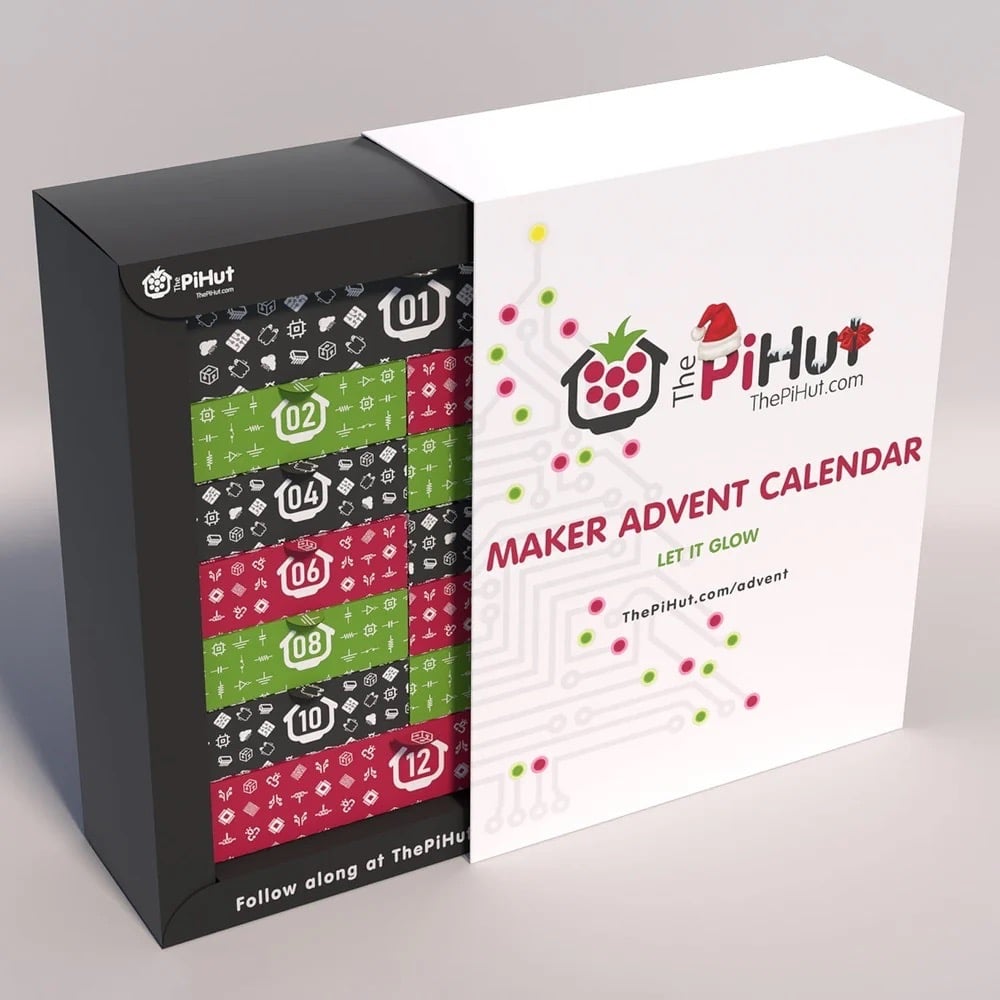
The guide splits the Raspberry Pi lineup into tiers. At the top sit the keyboard computers: the Pi 400 (from about £57.60), the faster Pi 500 (from £172.80), and the Pi 500+ with a backlit mechanical keyboard. These suit someone who wants a working Linux desktop on day one. For the tinkerer who burns through boards, the pick is the Pico 2 at around £4.80, with W and pre-soldered header versions for wireless or no-soldering-iron households. Confident builders get the niche stuff: the Sense HAT with its 8×8 RGB LED matrix and five-button joystick, the Build HAT for driving LEGO motors, and the AI HAT+ 2 paired with the AI Camera for on-device vision. There is also The Pi Hut’s Let it Glow Advent calendar (£45), which opens with a Pico H, a micro-USB cable and two breadboards, then adds an LED part each day for twelve days.
What this list says about learning hardware
Look at the price gap. A Pico 2 costs roughly one thirtieth of a Pi 500. That ratio is why classrooms and thesis groups tend to start on microcontrollers: a fried GPIO pin on a £4.80 board is a lesson, while a dead desktop is a budget meeting. The Sense HAT is worth a second look for schools, since it packs pressure, humidity, temperature, colour and orientation sensors on one I2C bus, so students skip the breadboard wiring and pull-up resistor gotchas and go straight to reading data in Python. The AI HAT+ 2 sits at the other end. It needs a Pi 5 underneath and a student comfortable with Linux, but it runs vision models locally, so a bird feeder that tells species apart does not depend on a cloud API or a stable school Wi-Fi connection.
What to try next
- Pick up a Pico 2 W and blink an LED from MicroPython on GPIO 15, then serve the same toggle over Wi-Fi.
- Run the Sense HAT emulator in a browser before buying, so your class can test code first.
- Read the full guide, with every link, at raspberrypi.com.
For local stock of Pico boards, HATs and starter kits, check the Raspberry Pi section at circuit.rocks.
Frequently Asked Questions
Which Raspberry Pi is the best gift for a complete beginner?
A keyboard computer like the Raspberry Pi 400 or 500 works out of the box as a Linux desktop, so a beginner can start coding without wiring anything. If the person already enjoys electronics, a Pico 2 with pre-soldered headers is a cheaper way in.
What do I need to use the AI HAT+ 2?
It mounts on a Raspberry Pi 5, so you need a Pi 5, a good power supply and a microSD card or SSD. Pairing it with the Raspberry Pi AI Camera lets you run vision models on the device instead of sending images to the cloud.
What will I learn if I build projects with these boards?
With a Pico 2 you learn GPIO, digital and analog I/O, and MicroPython or C on a microcontroller. The Sense HAT teaches I2C sensor reading and data logging in Python, and the AI HAT+ 2 introduces running machine learning models on edge hardware, which is a strong base for a thesis or capstone project.
