Walk through any electronics stall in Raon or open a shopping app and you will find dozens of “Arduino starter kits” priced far apart. Open-hardware licensing made that possible: anyone can take the published Uno schematics and build a board that runs the same sketches. The result is a market where the blue board in a student kit may or may not come from Arduino at all, and the company now wants buyers to be able to tell the difference at a glance.
What Arduino launched
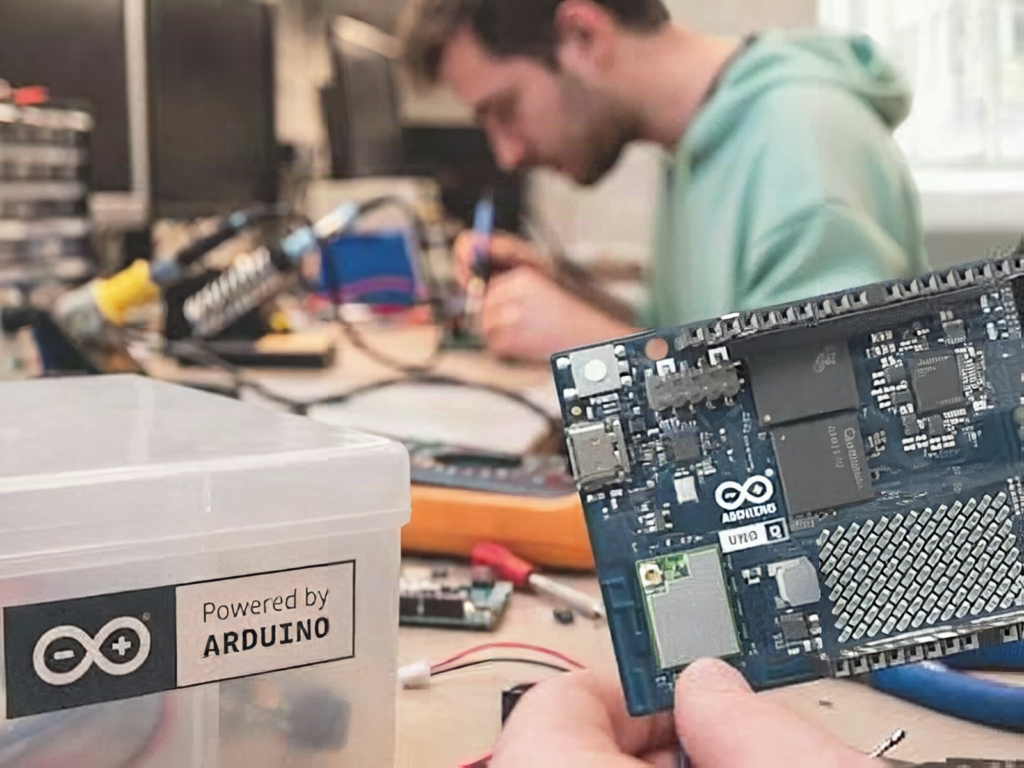
The new Powered by Arduino program is a licensing badge for kits that ship with an original Arduino board inside. It is open to resellers, education suppliers and anyone assembling their own kits, from AI learning sets for kids to robotics bundles for developers. Certified kits get a packaging badge, a listing on a dedicated Arduino site and promotion through official channels aimed at a community Arduino puts at over 33 million users. SunFounder, Robu and Elegoo are the first named sign-ups. The catch, as Hackster’s report points out, is that certified kit makers agree to use first-party boards only, not cheaper compatibles.
The technical takeaway: what actually differs
A well-made compatible runs the same ATmega328P at 16 MHz and 5 V logic, with the same 14 digital pins and 6 analog inputs, so your code and wiring carry over. The differences show up around the edges:
- USB-to-serial chip. An original Uno R3 uses an ATmega16U2. Many clones use a CH340G, which needs a separate driver on some Windows laptops. If the IDE shows no COM port, that driver is the usual gotcha.
- Voltage regulator and polyfuse. Budget boards sometimes skip the 500 mA resettable fuse on USB, so a shorted breadboard rail can hit your laptop port directly.
- Bootloader and pin labels. Some clones ship with an older bootloader. Pick “ATmega328P (Old Bootloader)” under Tools if uploads time out.
None of this makes compatibles bad. It means a class set of 30 boards behaves more predictably when every unit is the same design.
What to try next
Check the boards already in your lab. Plug each into a computer and look at the USB device name: “USB-SERIAL CH340” means a compatible, “Arduino Uno” means a 16U2 original. Label them, install the CH340 driver once on every lab PC, and note which kits your thesis or robotics team should buy next semester. The official sign-up and board details live at arduino.cc.
Frequently Asked Questions
What is the Powered by Arduino program?
It is a certification and licensing program for kits that ship with an original Arduino board. Certified kit makers get a badge for their packaging and a listing on Arduino’s site, and they agree not to use third-party compatible boards in those kits. SunFounder, Robu and Elegoo are early members.
How can I tell if my Uno is an original or a compatible?
Check the USB-to-serial chip. An original Uno R3 uses an ATmega16U2 and shows up as an Arduino Uno; many compatibles use a CH340G and show up as USB-SERIAL CH340, which may need a driver. Missing USB polyfuses and older bootloaders are other common signs.
What will I learn if I check and sort my lab’s boards?
You will learn how USB-to-serial bridges, bootloaders and board selection in the Arduino IDE work, how to install drivers and troubleshoot missing COM ports, and how power protection like a USB polyfuse prevents damage. These are the same skills you need when a thesis prototype refuses to upload.
