
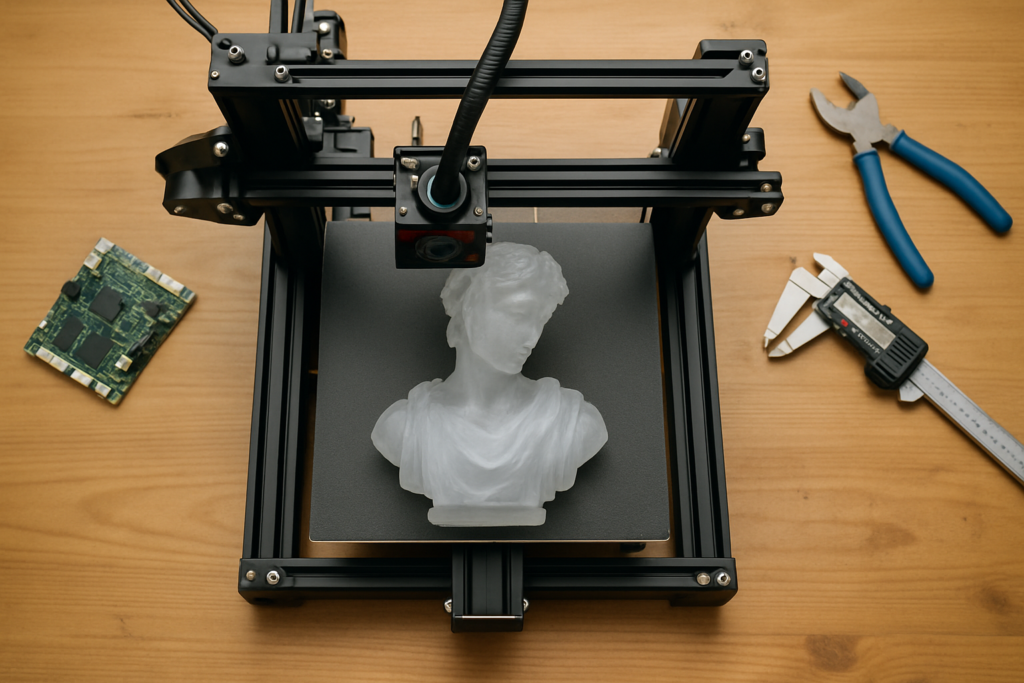
You type a prompt, an AI hands you a gorgeous 3D model, and then your slicer chokes on it. Non-manifold edges, floating shells, a mesh that’s way too big for your build plate. That last mile between “AI made it” and “my printer can run it” is where most generated models quietly die. Hi3D’s latest Maker update is aimed squarely at that gap.
What Hi3D just shipped
Hi3D is a browser-based model generation platform running on its own Sparc3D engine. The new Maker features tackle the unglamorous prep work that usually sends makers back into CAD: cleaning up the mesh, sealing geometry so it’s watertight, and slicing a single oversized model into pieces that fit on a normal printer and snap back together after printing. The headline tool, fittingly nicknamed “split to print,” handles that last part automatically instead of leaving you to hack the model apart by hand.
Why it matters at the bench
Generative tools have gotten very good at shape and detail, but printability is a different problem. A model can look flawless on screen and still be unprintable because of wall thickness, overhangs, or sheer size. By baking repair and segmentation into the same browser tab where the model is created, Hi3D shortens the round trip from idea to a file your slicer will actually accept, no Blender or Fusion detour required.
Build it yourself
You don’t need exotic gear to put this workflow through its paces. A few things to have on hand:
- Any FDM printer with a typical 200×200×200 mm bed for testing the auto-split feature
- A slicer like PrusaSlicer, Cura, or OrcaSlicer to sanity-check the exported mesh
- Calipers to verify that split pieces line up at the seams
- A bit of glue or filament welding for joining multi-part prints
Start with a small generated object, run it through the repair and split tools, then slice and print one piece to confirm the geometry holds. Once you trust the pipeline, scale up to something that genuinely wouldn’t fit on your plate in one go. It’s a fast way to see where AI-driven design helps and where a human eye still earns its keep.
Frequently Asked Questions
What problem do Hi3D’s new Maker features actually solve?
They handle the prep work between an AI-generated model and a printable file: repairing non-manifold meshes, sealing geometry so it’s watertight, and splitting oversized models into pieces that fit a standard build plate and reassemble after printing.
Do I need CAD experience or special hardware to use this workflow?
No. The repair and split tools run in the browser on Hi3D’s Sparc3D engine, so you skip the Blender or Fusion detour. On the hardware side, a standard FDM printer, a slicer, and calipers are enough to test it.
What will I learn if I build this?
You’ll get hands-on with mesh repair concepts (manifold geometry, watertight models, wall thickness), how to segment a large model for a small bed, and how to verify and join multi-part prints, skills that carry over to any 3D-printing project, AI-generated or not.
