
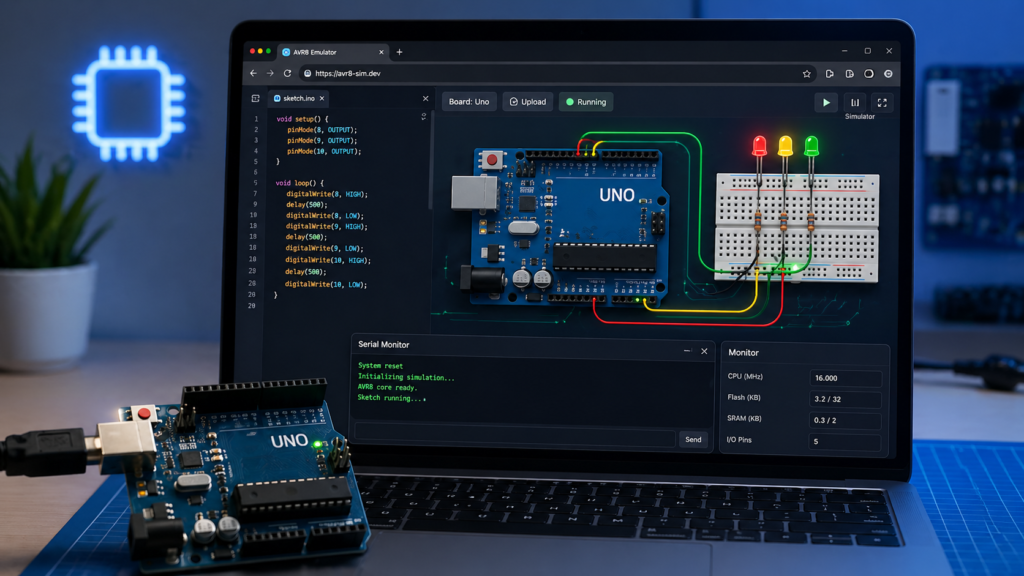
Testing Arduino code in a browser has been around for years, but newer tools are getting closer to real board behavior. A recent Hackaday feature points to Velxio, a browser-based emulator that runs microcontroller code locally while keeping the workflow close to what makers already use.
What makes this project stand out is that it does not stop at a simple visual demo. Velxio combines code editing, sketch compilation, and hardware simulation in one browser-based workspace. For makers, students, and developers, that means faster testing before wiring real hardware, especially for logic-heavy sketches that are easier to debug in a controlled environment.
Why this emulator matters
Traditional circuit tools are often strong on analog simulation but weaker when firmware and board-level behavior start to matter. Velxio goes after that gap. The platform focuses on real CPU emulation, so the goal is not just to make a fake blinking LED. It aims to let code run in a way that feels much closer to actual boards such as the Arduino Uno and other supported targets.
That can save a lot of time during prototyping. Instead of repeatedly editing code, uploading firmware, and waiting on real hardware, you can check behavior in the browser first. For students, this is also a practical way to learn embedded systems even when they do not yet have every board or sensor on hand.
Built around AVR8js and more
At the AVR side, Velxio builds on AVR8js, the JavaScript simulator library that powers browser-based AVR emulation in tools such as Wokwi. The AVR8js project describes itself as the core of an Arduino simulator and focuses on chips like the ATmega328P used on the Arduino Uno.
Hackaday also notes that Velxio goes beyond AVR boards. It highlights support built around rp2040js for RP2040 targets, plus RISC-V and other architectures through separate emulator layers. That wider board support makes the project more than a single-board Arduino sandbox. It is shaping up as a broader embedded emulator that can cover different families in one place.
Local execution is the big selling point
One of the strongest ideas behind Velxio is local execution. According to the project, simulation runs in the browser, while compilation uses local tooling such as arduino-cli in self-hosted setups. That helps reduce cloud dependence and keeps the workflow responsive. For people who care about privacy, offline use, or self-hosting, that is a big plus.
The current Velxio project page describes a multi-board emulator with support for Arduino, ESP32, RP2040, RISC-V boards, and Raspberry Pi targets, along with interactive components, a serial monitor, and library support. In short, it is trying to feel like a real development bench inside the browser instead of a narrow demo page.
A useful tool for learning and quick prototyping
For beginners, tools like this lower the cost of experimentation. You can try code, check pin behavior, and understand timing or peripheral use before connecting real parts. For more advanced users, the value is speed. A fast feedback loop matters when you are testing menus, logic, timing, state machines, or board-to-board behavior.
It is not a replacement for real hardware. Physical quirks, signal noise, power issues, and board-specific surprises still matter. But for early-stage development, classroom demos, and proof-of-concept work, a browser emulator can remove a lot of friction.
Where to look next
If you want to dig deeper, start with the original Hackaday article, then explore the Velxio GitHub repository and the live Velxio editor. If you want to understand the AVR side in more detail, the AVR8js project is also worth reading.
Projects like this show how far browser-based embedded development has come. For anyone teaching Arduino, testing ideas quickly, or building firmware without a full bench beside them, this kind of emulator is getting harder to ignore.
Frequently Asked Questions
What is Velxio?
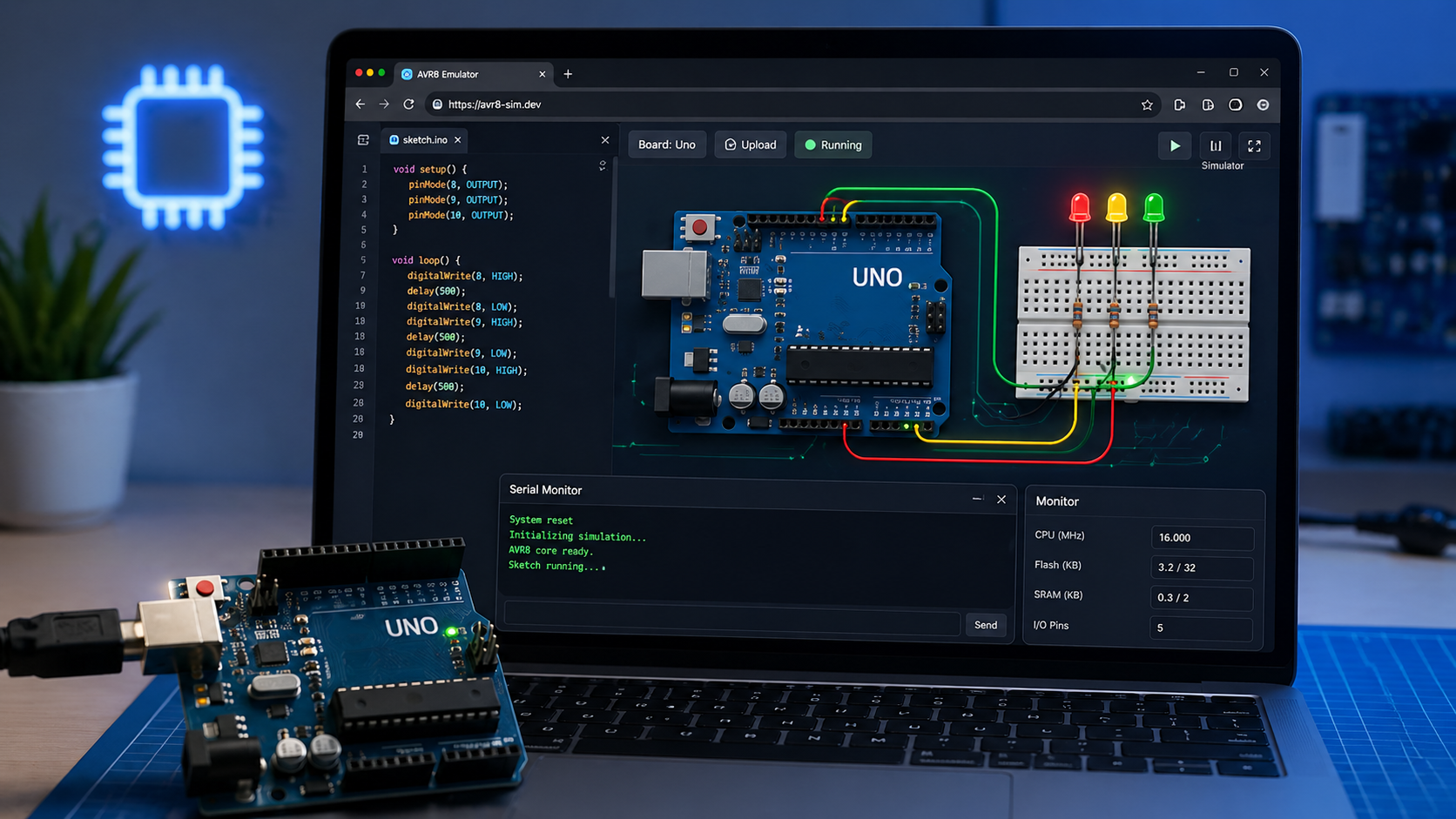
Velxio is a browser-based emulator that runs microcontroller code locally. It bundles code editing, sketch compilation, and hardware simulation in one workspace, so you can test logic-heavy sketches before wiring real hardware.
Which boards does Velxio support?
Arduino (AVR boards via AVR8js), RP2040 boards (via rp2040js), RISC-V targets, and Raspberry Pi targets through separate emulator layers. It is broader than a single-board Arduino sandbox.
Does Velxio depend on cloud services?
No. Simulation runs in the browser, while compilation uses local tooling like arduino-cli in self-hosted setups. Good for offline use, privacy, and self-hosting.
Can a browser emulator replace a real Arduino?
Not for production. Physical quirks, signal noise, power issues, and board-specific behavior still matter on real hardware. For early prototyping, classroom demos, and proof-of-concept work though, the friction drop is huge.
