
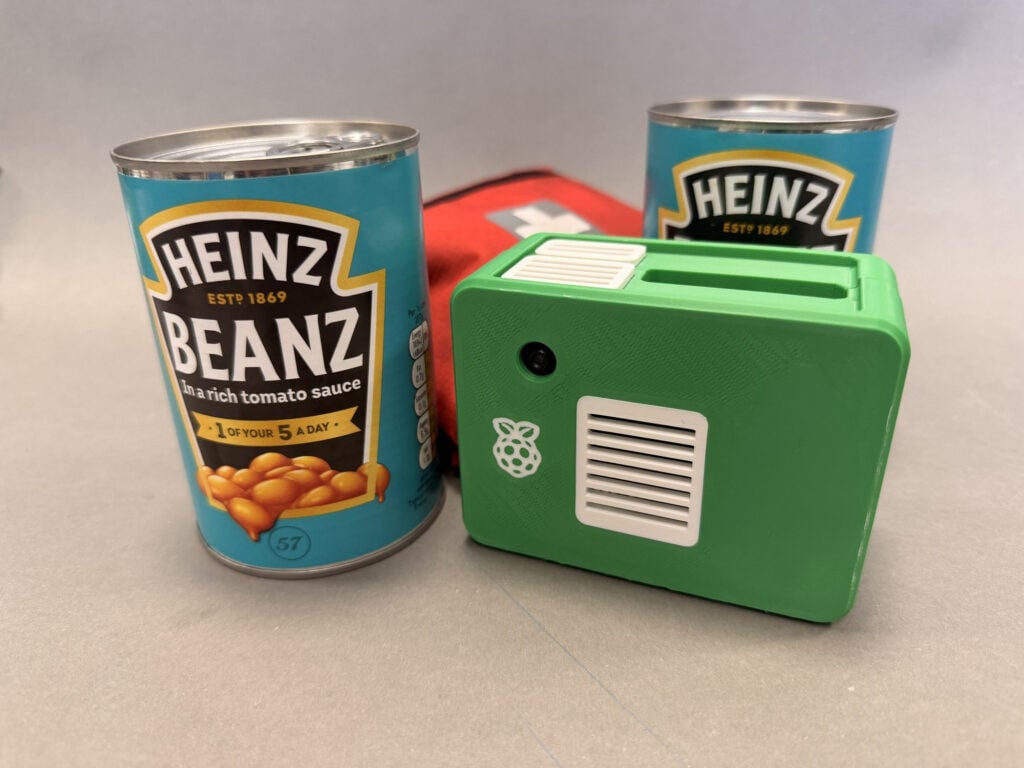
Typhoon season knocks out power and fibre across Luzon for days at a time, and your phone becomes a brick the moment the router dies. A Raspberry Pi blog writer built a box that keeps a small, private internet running through a three-day outage, and the core of it fits into one weekend with a Pi 4 or 5 you already own.
What the outage Pi does
The trick is simple: the router is the sensor. The Pi pings it every 15 seconds. If it stays silent for 2 minutes, the Pi assumes a blackout, switches to a low-power mode, and after 5 minutes starts its own Wi-Fi hotspot. Phones that join land on a homepage showing when the cut began and the last saved weather forecast. Behind that page sit all of English Wikipedia with images (about 127GB through Kiwix), repair guides, offline maps, and nearly 100GB of public-domain films via Jellyfin. Two RTL-SDR sticks covering 100kHz to 1.75GHz stream FM radio to every phone, and whisper.cpp transcribes the hourly news on the Pi’s own CPU so you can search it for your barangay or street name.
Parts and power reality
The full build uses a Pi 5 with Active Cooler, an NVMe SSD on the M.2 HAT+, and an AI Camera doing person detection as a doorbell. Power is the hard part. A 12.8V 10Ah LiFePO4 battery stores 128Wh, and the Pi box draws about 6W, so it runs roughly 16 hours on battery alone. A 100W solar panel delivers about 75W through a basic charge controller. Gotcha: on cloudy days the panel covers only about a quarter of the load, so in a long storm you get about one extra day, not infinite runtime.
Spend your Sunday on this
You can skip the SSD, the HAT and the solar box. The minimum version is a Pi and one microSD card:
- Flash Raspberry Pi OS (64-bit) to a 256GB card with Raspberry Pi Imager and enable SSH. Text-only Wikipedia is about 50GB and fits on 128GB.
- Run
sudo apt install -y kiwix-tools, thenwget -cthe latest English .zim file from download.kiwix.org overnight. - Add an
@rebootline to crontab that startskiwix-serve --port=8080on your .zim folder. - Do this last, since it takes over wlan0: create a hotspot with
nmcli device wifi hotspotand set it to autoconnect.
Join the hotspot from a phone and open http://10.42.0.1:8080. A USB power bank keeps it alive for hours. For a STEM club, this is a solid disaster-preparedness demo: add a DHT22 on a GPIO pin to log room temperature, or a Pico W that pings the hotspot. Full write-up, case files and commands are on the Raspberry Pi blog.
Frequently Asked Questions
How does the Pi know the power has gone out?
It cannot sense the mains directly, so it watches the home router instead. The Pi pings the router every 15 seconds; if there is no reply for 2 minutes it treats that as a power cut, drops into power-saving mode, and starts its own Wi-Fi hotspot after 5 minutes.
What is the minimum hardware needed for the basic version?
A Raspberry Pi 4 or 5 and one large microSD card. A 256GB card holds Raspberry Pi OS plus English Wikipedia with images (about 120GB); the text-only version is about 50GB and fits on 128GB. A USB power bank can run it for hours. The SSD, AI Camera, SDR sticks and solar battery are optional extras.
What will I learn if I build this?
You will practise Linux basics over SSH, installing packages with apt, running a service at boot with crontab, and configuring a Wi-Fi access point with NetworkManager. The power side teaches battery capacity in watt-hours, load estimation and solar charging limits, useful for any off-grid thesis or IoT project.
