
Here is the shopping list for a Raspberry Pi retro console: a Pi 4 or Pi 5, a 32 GB microSD card, a USB gamepad, an HDMI cable and a decent 5V power supply. Total damage at circuit.rocks is far less than a branded mini console, and the Pi can emulate hundreds of platforms instead of one.
What the new guide covers
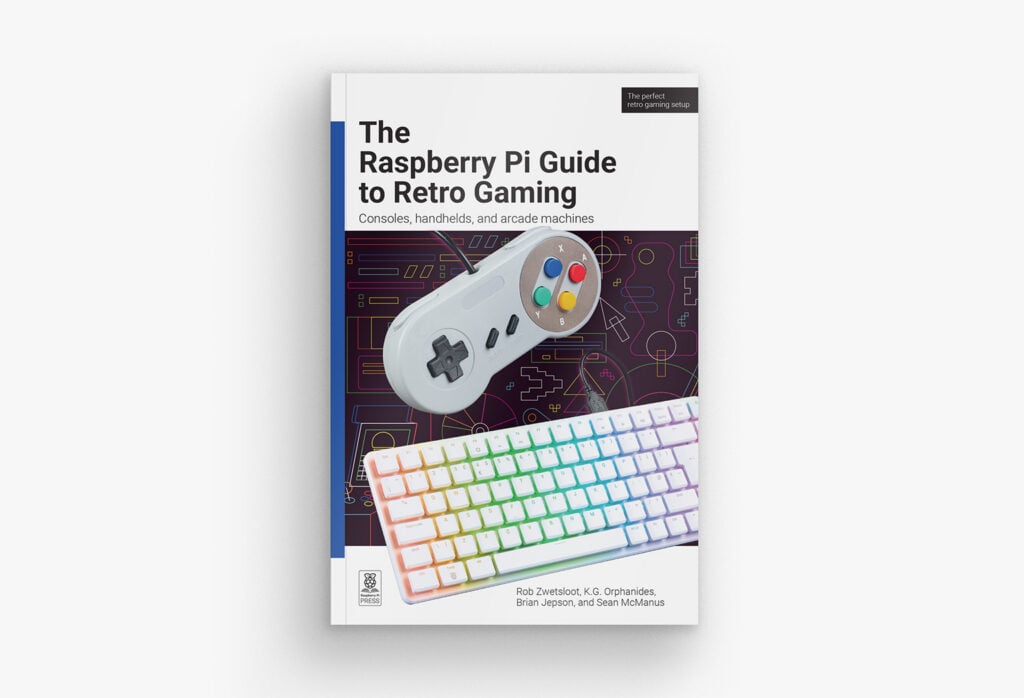
Raspberry Pi Press just released the Raspberry Pi Guide to Retro Gaming, a 19.99 GBP book (9.99 GBP at the introductory price) written by Rob Zwetsloot, with tutorials from Brian Jepson, K.G. Orphanides and Sean McManus. It starts with a quick-start chapter, then compares the emulation operating systems and tells you what each Pi model can actually run. That last part saves money: a Pi Zero 2 W copes with 8-bit and 16-bit consoles, while 3D-era systems want a Pi 4 or newer.
Brian’s tutorials emulate about a dozen 8-bit and 16-bit computers, and DOSBox Staging gets its own chapter for old PC games. K.G. goes deeper into tweaking emulator settings, building a full arcade cabinet, and wiring DB9 joysticks to modern hardware.
The hardware tricks worth stealing
Two chapters stand out for ECE students. One covers running a Pi on CRT televisions through add-on boards, so scanlines look the way original developers intended. The other shows how to read a classic joystick: DB9 sticks are plain switches pulling a line to ground, so you wire each direction to a GPIO pin with the internal pull-up enabled and read it in a few lines of Python.
- Pick a 5V 3A supply for a Pi 4 and 5V 5A for a Pi 5, or the console will throttle under load.
- Use a heatsink or small fan, since emulators keep the CPU near 100%.
- Debounce hand-wired buttons in code, or one press registers twice.
Where to start this week
Flash an emulation OS to the microSD card, plug in one gamepad and confirm a single game boots at 60 fps. Then solder four buttons to GPIO pins as a custom controller and map them in the emulator settings. Grab a Pi and gamepad parts at circuit.rocks, and read the book’s announcement page for the chapter list.
Frequently Asked Questions
Which Raspberry Pi model should I use for retro gaming?
A Pi Zero 2 W handles 8-bit and 16-bit consoles. For 3D-era systems and heavier emulators, a Pi 4 or Pi 5 is the safer pick, with a heatsink and a proper 5V supply.
What does the guide teach besides emulation?
It covers choosing an emulation OS, tweaking emulator settings, building an arcade machine, connecting DB9 joysticks, running a Pi on CRT TVs, and programming Spectrum games.
What will I learn if I build this?
You will practice flashing an OS, reading buttons through GPIO pins with pull-ups, debouncing inputs, managing power and heat, and configuring emulators, all useful for embedded and thesis projects.
